EOP Forms and Resources
SJSU COURSE PLANNING
EOP 2025-2026 Success Worksheet [pdf] (Revised 06/2025)
-
For students admitted starting Fall 2025 and after
EOP GE Planning/Academic Success Worksheet [pdf] (Updated 05/2023)
SPARTAN CONNECT - EOP & SJSU MESSAGES
All EOP messages are sent to the "preferred email" in your MySJSU account, and a copy of the email is saved in (and viewable) in Spartan Connect
Your Spartan Connect Login:
- Go to: https://one.sjsu.edu/
- Search bar: Spartan Connect
- Click: Spartan Connect icon
- Single Sign On (SSO) SJSU login to sign in
How to Set Your Preferred Email Address
Spartan Connect Student Self-Service Appointment Scheduling
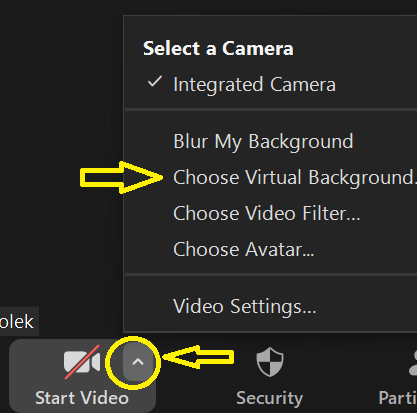
EOP ZOOM BACKGROUNDS:
- Open image
- Right click to "Save as" on your desktop
- Start a Zoom meeting
- Add a Zoom background in your meeting